

PC Building & Buying Guide: Smart Component Selection for Your Budget
Building a PC requires finding the right components that match your needs. This guide walks you through every major component in your system and explains what genuinely matters.
Index
Motherboards
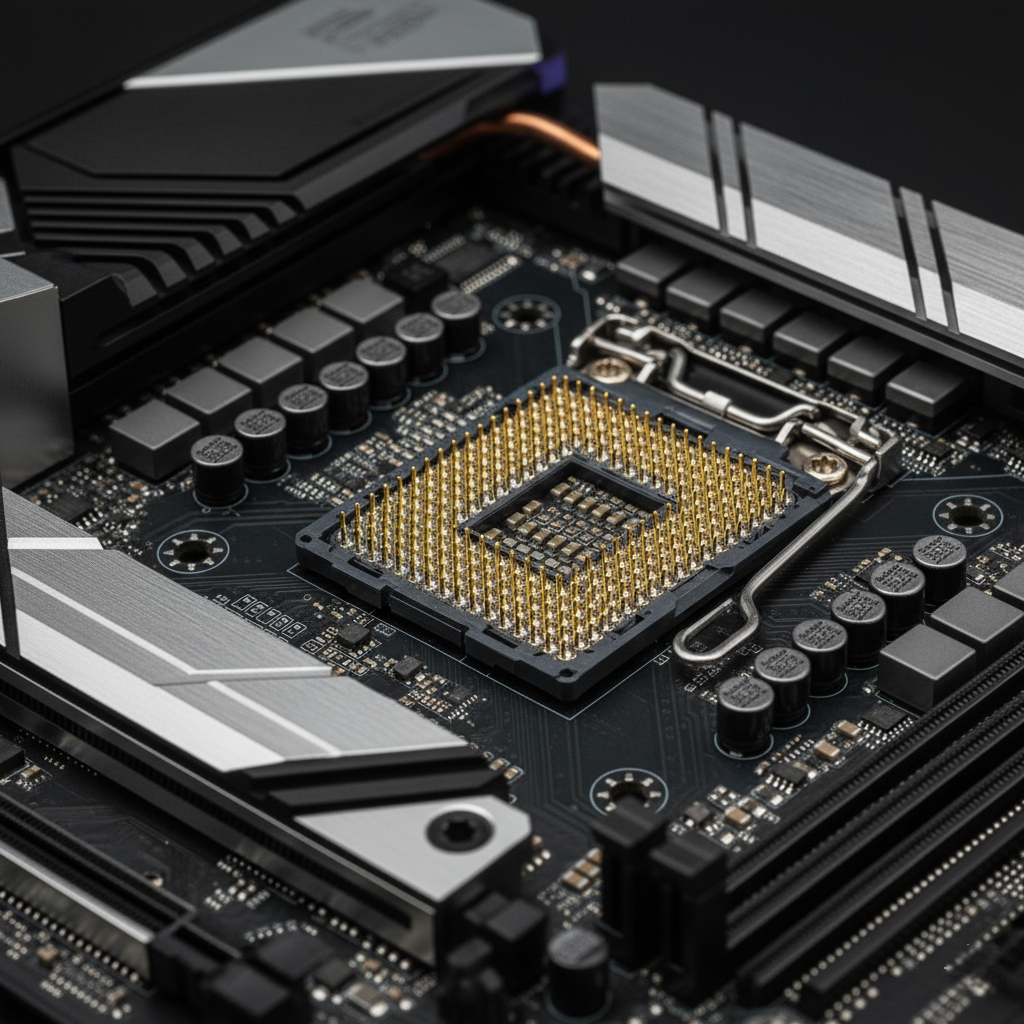
The motherboard is the foundation of your entire PC a complex circuit board that connects and coordinates every component together. It’s where your CPU plugs in, where your RAM slots fit, where your storage drives connect, and where your graphics card mounts. The motherboard also distributes power and manages communication between all these parts, making it fundamentally important to your system’s compatibility and performance.
When choosing a motherboard, your first priority is ensuring it has the correct socket for your chosen CPU. Intel and AMD use different sockets LGA1700, LGA1851, AM4, AM5, and others and they’re not interchangeable. Your second priority is selecting the right chipset (B760, Z790, B550, X870, etc.), which determines what features, storage connections, and expansion capabilities your board will offer. The form factor whether ATX (full-size), Micro-ATX (mid-size), or Mini-ITX (compact) must fit your chosen case while supporting the number of components you plan to use now and upgrade later.
A quality motherboard from a reliable manufacturer ensures stability, longevity, and room to grow your system. Don’t overspend on premium features you won’t use, but don’t compromise on build quality and connectivity for your actual needs.
Processors (CPU)
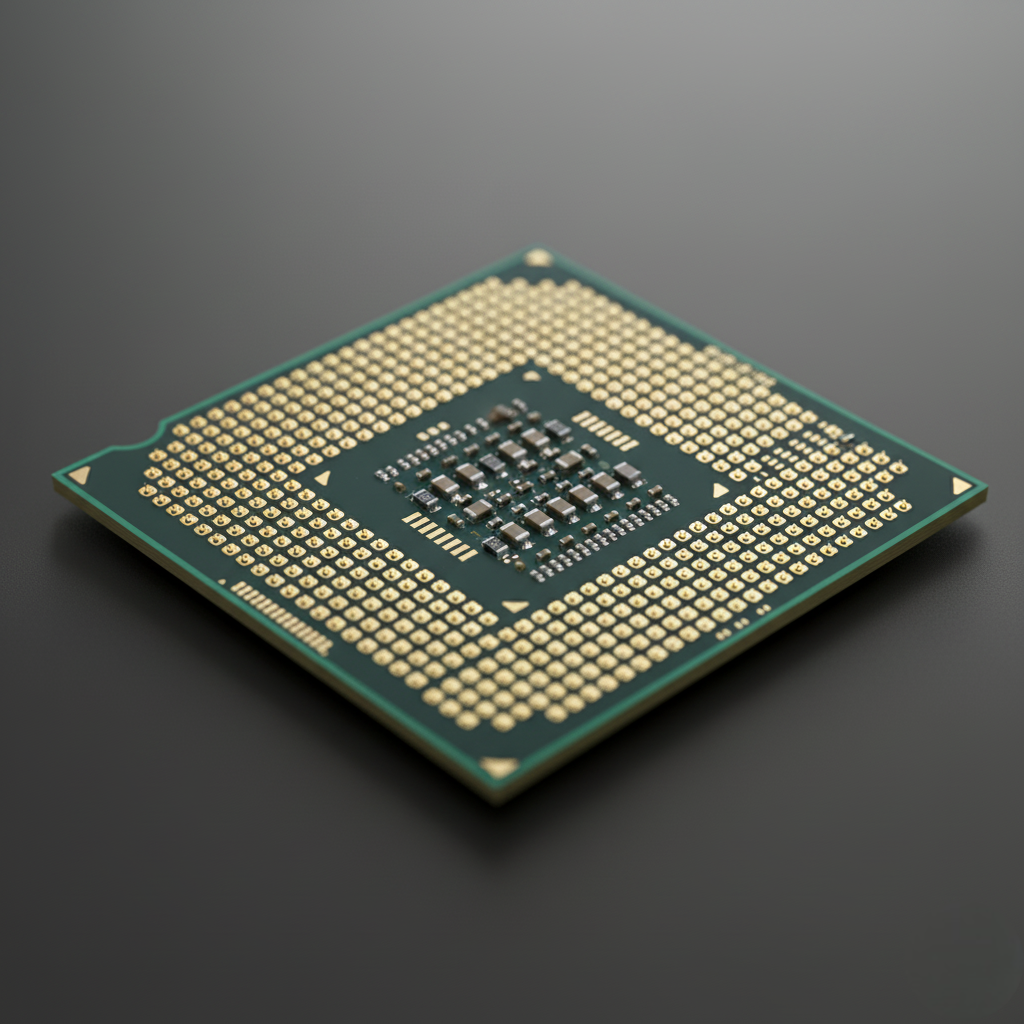
The CPU is your computer’s brain the component responsible for running every instruction, calculation, and operation that makes your PC work. Everything from opening a web browser to gaming to video editing depends on CPU performance. Choosing the right processor impacts your system’s responsiveness, multitasking ability, gaming frame rates, and overall speed for years to come.
CPUs with integrated graphics (like AMD’s G-series) are perfect for budget builds, light gaming, streaming media, and office work they eliminate the need for a separate graphics card. Mid-range processors like Intel’s Ultra 5 or AMD’s Ryzen 5 strike an excellent balance between performance and cost, handling modern games beautifully while keeping prices reasonable. For intensive creative work like video editing, 3D rendering, or software development, high-core-count processors from Intel’s Ultra 7/ Ultra 9 or AMD’s Ryzen 7/ Ryzen 9 families deliver the multi-threaded power you need. Gaming enthusiasts should consider processors with 3D V-Cache technology like AMD’s 9800X3D, which deliver exceptional gaming performance through specialized cache architecture.
Understanding your actual use case gaming, productivity, content creation, or general computing helps you choose the right CPU tier and avoid overspending on unnecessary performance.
Graphics Card (GPU)
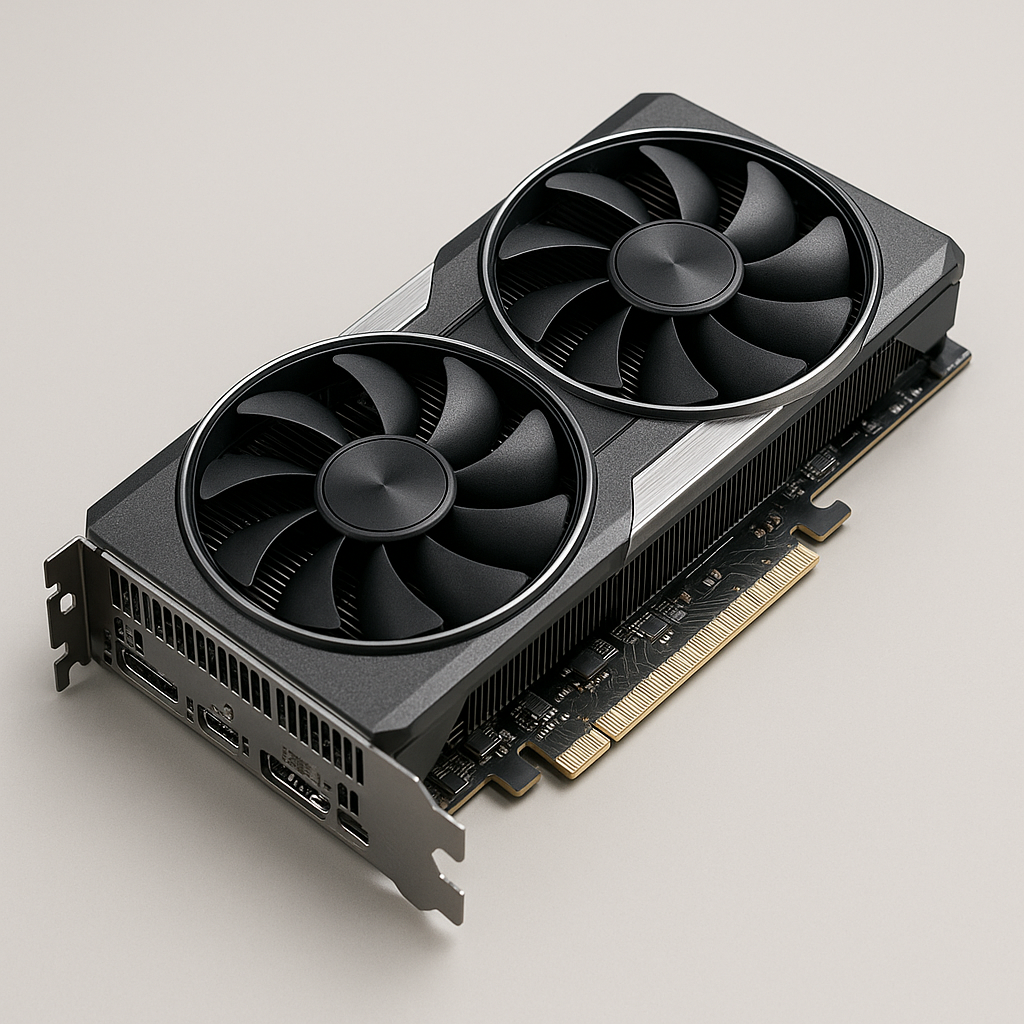
The GPU renders every image on your monitor from your desktop background to complex 3D games to video playback. Your graphics card determines gaming frame rates, visual quality, support for high resolutions and refresh rates, and capability for professional graphics work. Choosing the right GPU for your target monitor resolution and performance goals is one of the most impactful decisions in any gaming PC build.
GPU selection is straightforward once you know your monitor’s resolution and desired frame rates: 1080p gaming works beautifully with mid-range cards like RTX 5060 or RX 9060 XT; 1440p (the current sweet spot) demands something like RTX 5070 Ti or RX 9070 XT; 4K gaming requires premium cards like RTX 5090. Modern upscaling technologies like NVIDIA DLSS and AMD FidelityFX Super Resolution dramatically boost performance with minimal visual quality loss, making high-resolution gaming accessible at lower tier cards. Understanding VRAM capacity, memory bandwidth, and ray tracing support helps you make informed decisions, though real-world benchmarks matter far more than specifications alone.
Matching your GPU to your monitor ensures excellent value and smooth gaming without overspending on unnecessary performance you won’t use
Memory (RAM)
RAM is your PC’s short-term memory, holding data and programs your CPU actively uses right now. Every open tab, every running application, every game, and every process relies on RAM to keep information instantly accessible. More RAM means smoother multitasking, faster application launching, and stable performance under heavy load. When RAM runs out, your system becomes sluggish and unresponsive.
Today’s RAM comes in DDR4 or DDR5 varieties, with DDR5 being newer and slightly faster, though both perform similarly for gaming and general productivity. Capacity matters far more than speed 8GB is increasingly tight, 16GB is the comfortable modern standard for gaming and productivity, and 32GB benefits content creators and heavy multitaskers. Always buy matched pairs of RAM modules to enable dual-channel mode, which significantly improves performance compared to single sticks. Understanding timings and latencies is less important than capacity and compatibility with your motherboard.
Choosing the right RAM amount for your actual workload prevents frustrating slowdowns and ensures your investment in other components isn’t wasted by inadequate memory.

Power Supply (PSU)
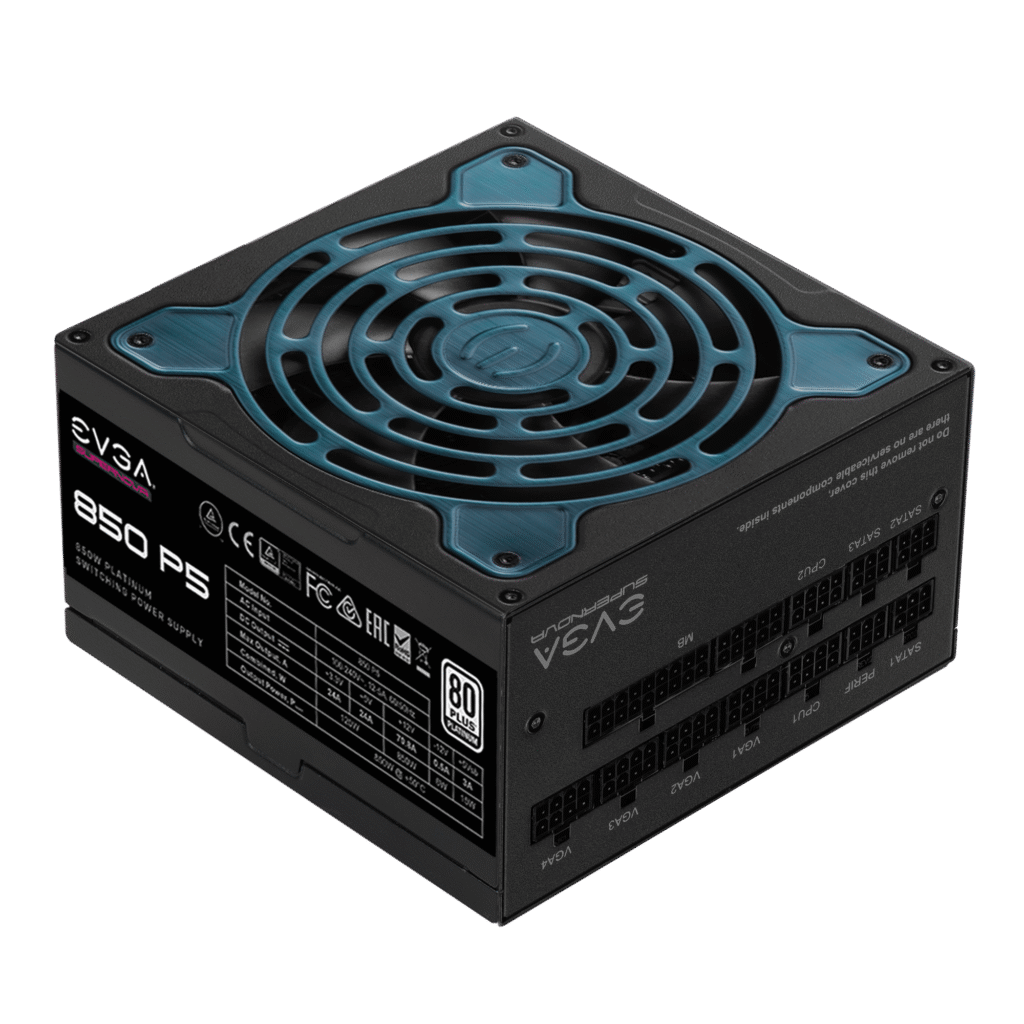
The power supply quietly feeds stable, reliable electricity to every component in your PC. An adequate PSU is essential a failing PSU doesn’t just turn off your computer; it can permanently damage your CPU, GPU, RAM, and motherboard through voltage instability or sudden power loss. Quality and reliability matter far more than raw wattage specifications, making the PSU one of the most important components to invest in properly.
Modern computers consume less power than older systems, so you don’t need excessive wattage. A well-designed 550W PSU from a reputable manufacturer outperforms a cheap 800W unit from an unknown brand. Focus on build quality, efficiency ratings (Gold or Platinum certification indicates quality), and trusted brands like Corsair, Cooler Master, and EVGA. Modular designs with detachable cables dramatically improve cable management and case airflow compared to non-modular alternatives. Calculating your actual system power draw with a safety margin (100-150W overhead) ensures adequate capacity without overspending.
Investing in a quality power supply protects your entire PC investment and provides years of reliable, efficient operation.
Computer Case
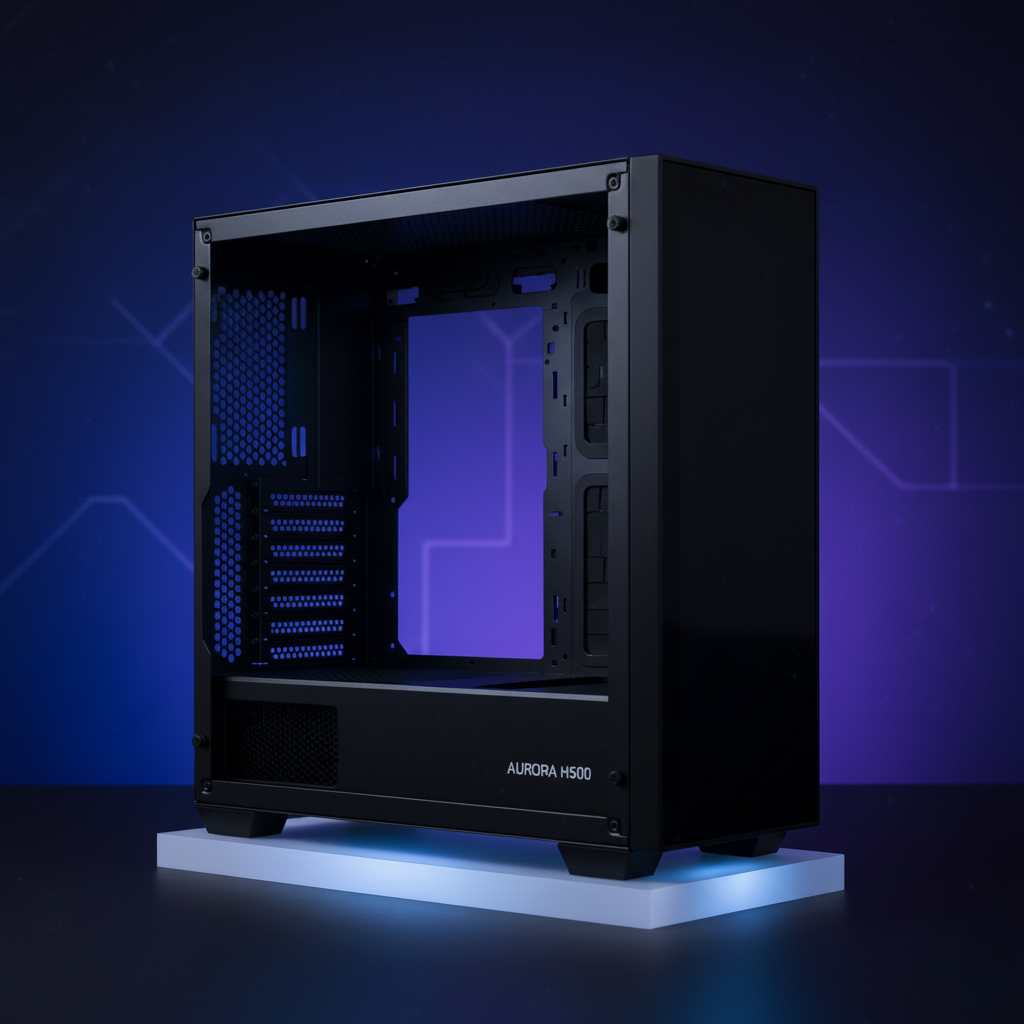
Your PC case does far more than just hold components it determines cooling performance, noise levels, building experience, ease of upgrades, and system aesthetics. The right case keeps your components cool through proper airflow, makes cable management simple, provides adequate space for large GPUs and tall coolers, and looks great on your desk. Poor case selection leads to frustrating thermal problems, cable management nightmares, and difficulty upgrading later.
When choosing a case, prioritize practical features over aesthetics: mesh front panels for superior airflow, plenty of fan mounting locations, adequate space behind the motherboard tray for cable routing, and physical room for your specific components. Form factors include full towers (maximum expandability for enthusiasts), mid-towers (optimal balance for most gaming builds), mini towers (compact but limited), and small form factors (ultra-portable but requiring careful planning). Build quality matters aluminum cases last longer than plastic, though build quality varies significantly even within brands. Professional reviews are invaluable for assessing real-world usability, thermal performance, and noise levels beyond simple specifications.
A well-chosen case makes PC building enjoyable, keeps components cool and quiet, and accommodates future upgrades without constraints.
Solid State Drive (SSD)
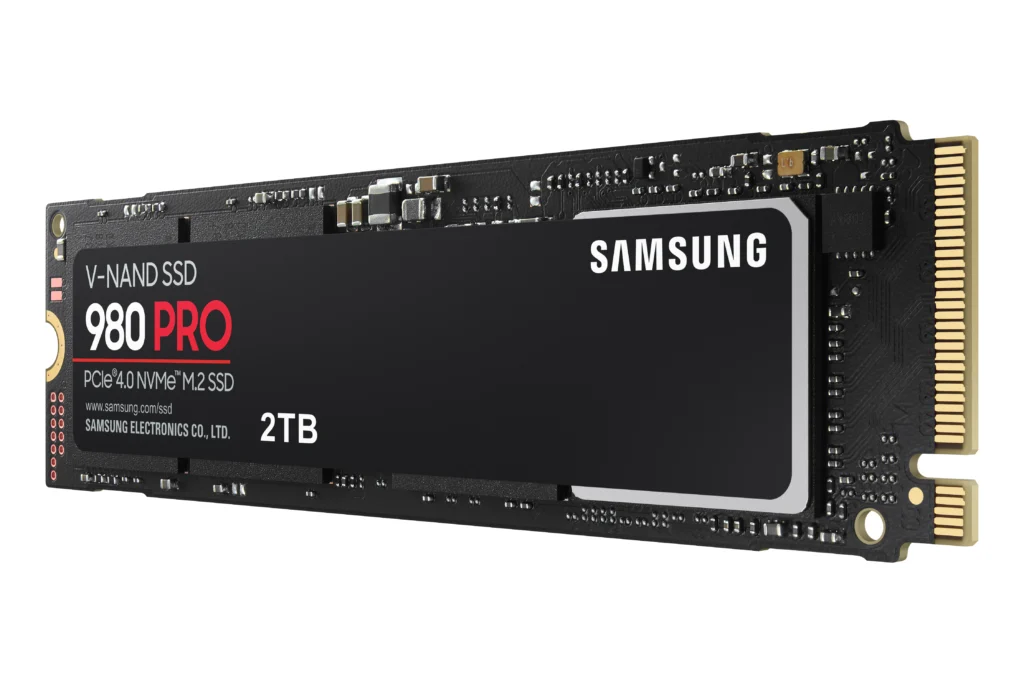
An SSD is arguably the single most impactful upgrade you can make to any PC. The difference between a system with an SSD and one with only an HDD is immediately obvious Windows boots in 15-30 seconds instead of 60+ seconds, programs launch instantly instead of loading slowly, and games load dramatically faster. SSDs have no moving parts, making them more reliable than mechanical hard drives, while delivering extraordinary responsiveness that transforms your computing experience.
Modern SSDs use NVMe technology over PCIe connections, delivering speeds from 3,500 MB/s (PCIe 3.0) to 14,000 MB/s (PCIe 5.0). For most gaming and productivity, PCIe 3.0 NVMe drives offer excellent value and noticeable speed improvements over SATA. PCIe 4.0 benefits professional video editors and content creators working with large files. PCIe 5.0 is cutting-edge but unnecessary for consumer gaming today. Capacity planning is straightforward: 512GB minimum for OS and applications, 1TB ideal for OS plus several games, 2TB+ for extensive libraries. Your motherboard determines which PCIe speeds you can use verify compatibility before purchasing.
Every modern PC needs at least one SSD for the OS and active applications. It’s non-negotiable for acceptable system responsiveness and reliability.
Hard Disk Drive (HDD)
Hard disk drives remain practical and economical for secondary storage, providing affordable high-capacity backup, media libraries, and archival storage. While HDDs can’t match SSD speed, they excel at holding bulk files you don’t access constantly think photo libraries, video collections, game backups, and document archives. A hybrid approach combining a fast SSD for the operating system and active applications with a spacious HDD for media and backups balances performance with storage capacity at reasonable cost.
Reliability is the primary consideration when choosing an HDD independent testing consistently shows Western Digital drives as the most reliable long-term performers, while Seagate Barracuda drives offer competitive performance at lower cost with acceptable (though lower) reliability. Understanding RPM (revolutions per minute), cache size, and warranty periods helps identify quality drives. Capacity selections range from 2TB for light users to 8TB+ for extensive media collections. Proper physical installation, temperature management, and regular backups ensure HDDs last 5-10+ years without issues.
HDDs complement SSDs perfectly, providing affordable mass storage without the premium cost of all-SSD systems.

CPU Cooler
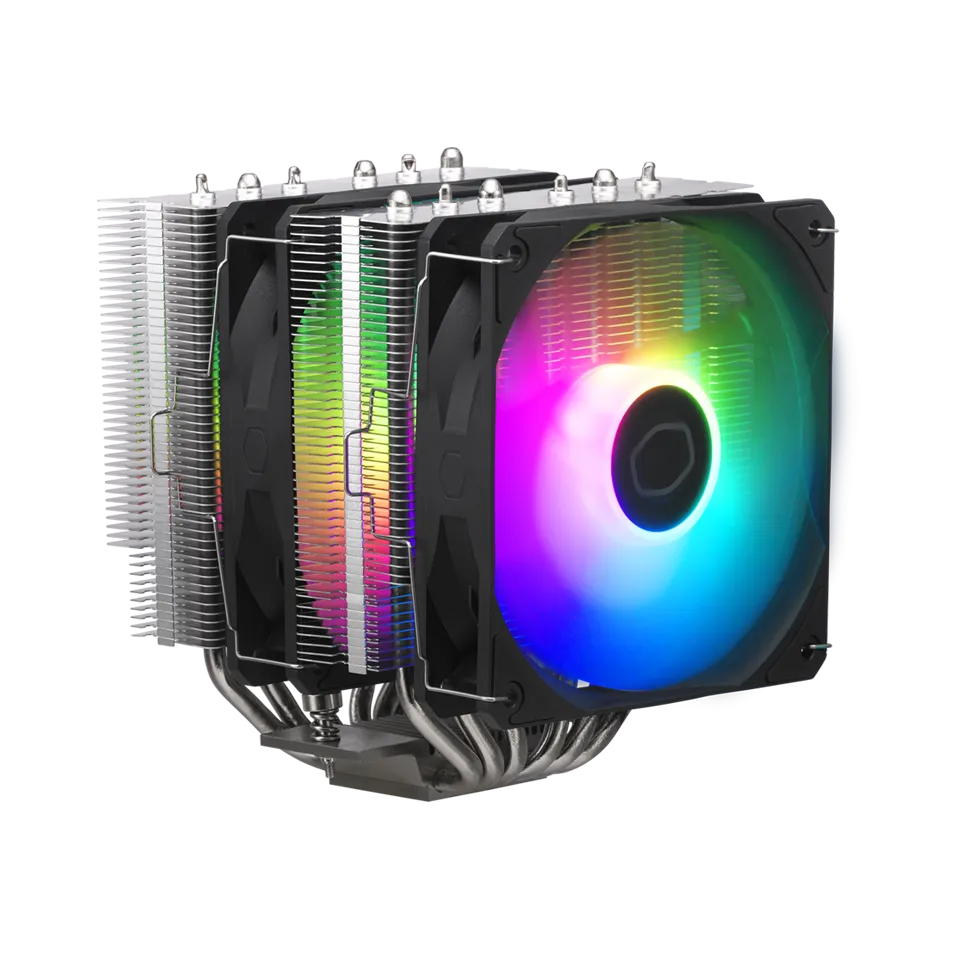
CPU cooling directly impacts system performance, stability, and component longevity. An adequate cooler maintains safe operating temperatures, preventing thermal throttling that reduces performance and ensuring your CPU can maintain peak speeds continuously. Understanding your cooling options air coolers versus liquid AIOs helps you choose the right solution for your budget, case space, and performance goals.
Air coolers are cost-effective, simple to install, require no maintenance, and offer excellent reliability. They work well for most gaming builds and general-purpose systems. Liquid AIOs (All-in-One coolers) provide superior cooling capacity, operate quieter under load, enable higher overclocks, and offer impressive aesthetics with RGB lighting. AIOs cost more and require radiator mounting space, but deliver noticeable temperature improvements for high-end CPUs. Radiator sizes range from 240mm (practical sweet spot) to 420mm (maximum cooling for enthusiasts). Thermal paste application is critical a pea-sized amount properly applied ensures efficient heat transfer between CPU and cooler, preventing dangerous overheating.
Choosing the right cooler for your specific CPU and case ensures stable, quiet, and efficient operation for years to come.