

CPU Cooler Guide: Keeping Your Processor Cool
CPU cooling is essential for maintaining stable performance and component longevity. A quality cooler ensures your processor operates at optimal temperatures, reducing throttling and extending...

CPU cooling is essential for maintaining stable performance and component longevity. A quality cooler ensures your processor operates at optimal temperatures, reducing throttling and extending lifespan. Understanding your cooling options helps you choose the right solution for your specific build.
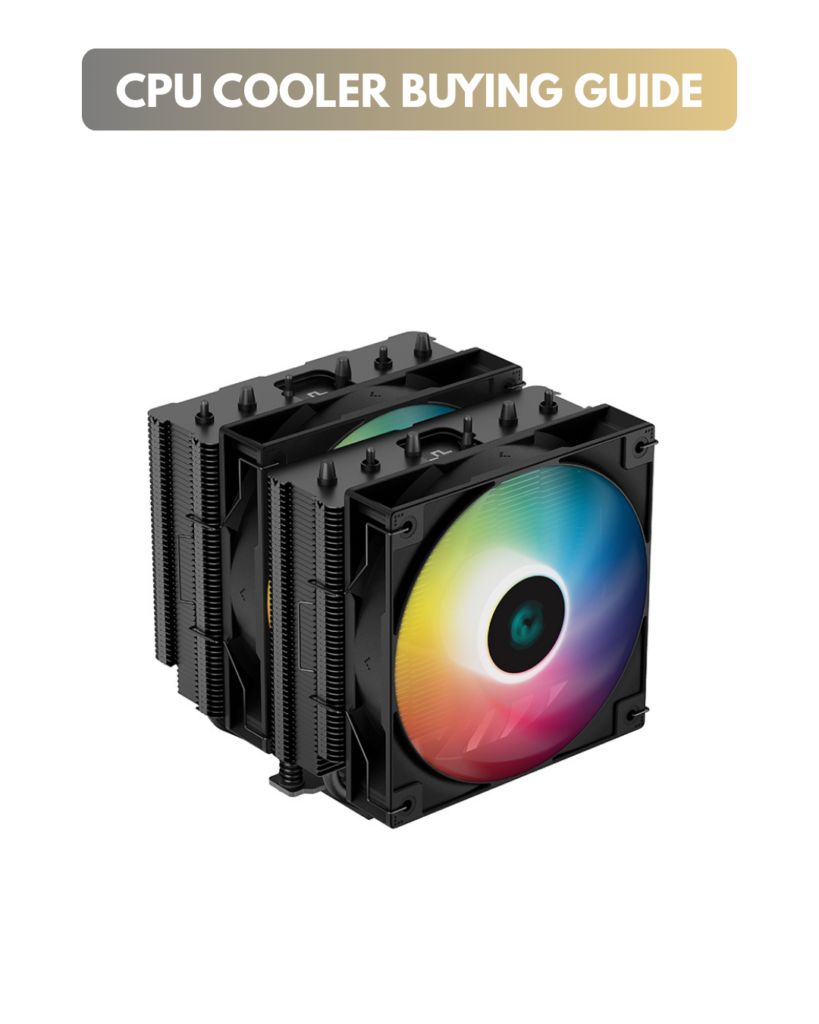
Why CPU Cooling Matters
CPUs generate significant heat during operation. Without proper cooling:
Thermal throttling – CPU automatically reduces speed to lower temperature
Performance degradation – Slower overall system responsiveness
Component damage – Sustained high temperatures shorten lifespan
System instability – Crashes and unexpected shutdowns from overheating
A quality cooler maintains optimal temperatures, allowing your CPU to maintain peak performance while running quietly and efficiently.
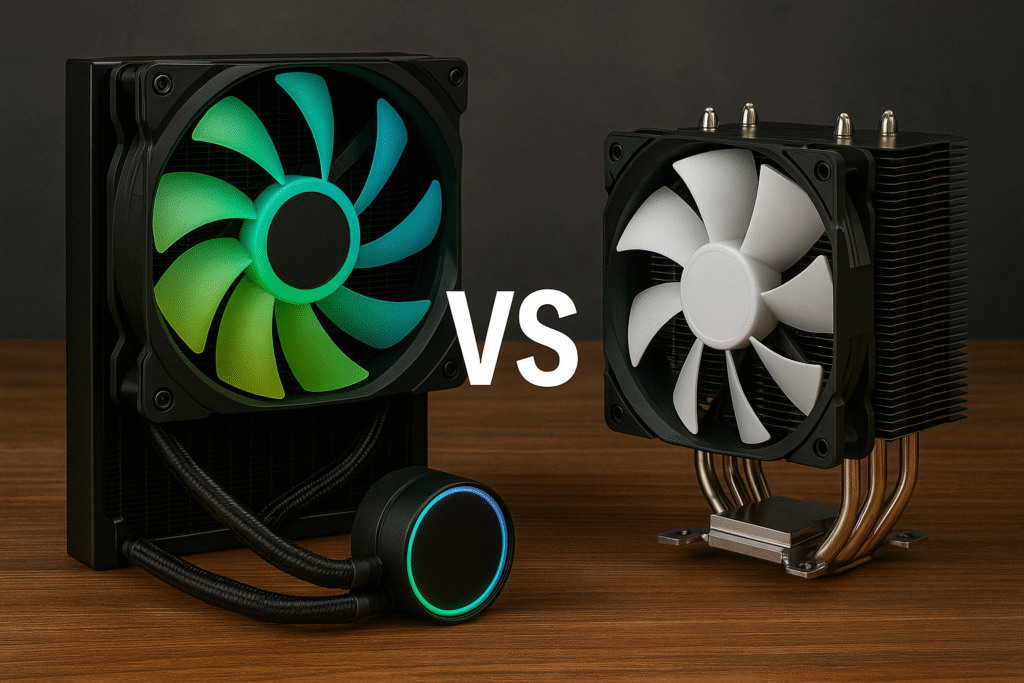
Air Coolers vs Liquid Coolers (AIOs)
Both cooling types are viable choosing between them depends on your specific needs, budget, and preferences.
Air Coolers
Air coolers use a heatsink and fans to dissipate CPU heat directly into the case.
How They Work:
Heat transfers from CPU through baseplate to copper heat pipes, then to aluminum fins where fans blow air across them. The heat is expelled into the case and out through case ventilation.
Advantages:
-
Lower cost (budget options ₹1,800-5,000, quality options ₹5,000-10,000)
-
Simple installation with no maintenance
-
Proven reliability through years of real-world use
-
No pump noise or moving liquids
-
Easy to replace if needed
-
No leak risk
Disadvantages:
-
Physically large may block RAM slots or limit case compatibility
-
Heat exhausts into case, raising ambient temperature
-
Limited cooling for extreme overclocking
-
Less aesthetically dramatic than liquid coolers
Best For:
-
Budget-conscious builders
-
Most gaming systems
-
Quietness priority (no pump hum)
-
Users uncomfortable with liquid
-
Compact case builds with tall cooler space
Recommended Air Coolers:
-
Noctua NH-D15 G2 (high performance, excellent reputation)
-
Arctic Freezer 36 (budget value)
-
Deepcool AK400 (budget option under ₹3,000)
-
Be Quiet! Dark Rock Pro 4 (premium, quiet)
Liquid Coolers (AIO – All-in-One)
Liquid coolers circulate coolant between a CPU water block and radiator. Fans on the radiator exhaust heat outside the case.
How They Work:
Pump circulates liquid from CPU water block through tubes to radiator, where fans expel heat. Liquid returns to pump in a closed loop. All-in-one units come sealed and require no maintenance.
Advantages:
-
Superior cooling performance for high-end CPUs
-
More compact around CPU socket (doesn’t block RAM)
-
Lower case ambient temperature (heat exhausted externally)
-
Often quieter under load
-
Impressive aesthetics with RGB and displays
-
Better for sustained high performance
Disadvantages:
-
Higher cost (₹8,000-₹30,000+ for quality units)
-
More complex installation
-
Requires radiator mounting space
-
Potential pump noise (usually quiet on quality units)
-
Small leak risk (rare with quality AIOs)
-
Requires adequate case fan header availability
Best For:
-
High-end CPU builds prioritizing performance
-
Systems where aesthetics matter
-
Users with adequate case space for radiators
-
Quiet operation priority
-
Future upgrade flexibility
Recommended AIOs:
-
Arctic Liquid Freezer III Pro (excellent value, great performance)
-
Corsair iCUE H170i Elite (high performance with LCD screen)
-
Cooler Master MasterLiquid 240 Atmos (compact 240mm, excellent performance)
-
NZXT Kraken Elite (premium aesthetics with screen)
Radiator Sizes for Liquid Coolers
AIO coolers come with radiators in different sizes, each offering different cooling capacity and space requirements.
120mm Radiators
Single-fan radiator, most compact option
Suitable for basic cooling needs
Requires minimal space
Limited cooling capacity compared to larger radiators
Often louder due to single fan limitations
Generally not recommended. You’ll get better performance from air coolers at similar price and without pump noise.
240mm Radiators
Two-fan radiator, sweet spot for most users
Fits most mid-tower cases
Excellent balance of cooling capacity and size
Front or top mounting options
Recommended for most high-end CPU builds
Mounting Flexibility:
Top mount: Heat exhausts upward (common)
Front mount: Heat exhausts forward (pulls external air)
280mm Radiators
Uncommon middle ground between 240mm and 360mm
Rarely offers practical advantages
Not recommended for most builds
360mm Radiators
Three-fan radiator, maximum cooling capacity
Largest cooling capacity for extreme performance
Requires substantial case space
Usually front mounting only
Best for high-end processors and overclocking
Sizing Recommendation: For most builds, 240mm radiators offer optimal cooling and practicality. Choose 360mm only if case space allows and maximum performance matters.
CPU Socket Compatibility
Coolers mount to the motherboard using different bracket systems for various CPU sockets. Verify compatibility before purchasing.
Intel Sockets:
LGA1700 – 12th, 13th, 14th Gen Core (most current air coolers support)
LGA1851 – Arrow Lake CPUs (newer coolers and mounting brackets)
AMD Sockets:
AM4 – Ryzen 3000/5000 series (widely supported)
AM5 – Ryzen 7000/8000/9000 series (same mounting hole spacing as AM4, many coolers compatible)
Verification:
Check cooler product specifications for socket support
Verify your motherboard’s socket type
Some coolers require additional mounting bracket purchases for newer sockets
Consult manufacturer compatibility lists
Most quality coolers support multiple sockets, but always verify before purchasing.
Thermal Paste: Essential for Heat Transfer
Thermal paste is non-negotiable for CPU cooling. It fills microscopic surface imperfections between the CPU and cooler, dramatically improving heat transfer.
Why Thermal Paste Matters:
CPUs and cooler bases appear smooth to the naked eye but have tiny surface irregularities. Without thermal paste, air gaps trap between these surfaces, insulating rather than conducting heat. Thermal paste fills these gaps, enabling efficient heat transfer.
Without thermal paste: CPU temperatures spike dangerously and thermal throttling activates
With thermal paste: Normal operating temperatures and stable performance
Application Method:
Apply small pea-sized amount to CPU center
Place cooler baseplate on CPU
Apply mounting pressure according to cooler instructions
Cooler’s weight spreads paste evenly across surface
Important Notes:
More paste is NOT better excess doesn’t improve cooling and wastes material
Most modern coolers include pre-applied thermal paste or small tubes
Quality matters less than proper application technique
Replace thermal paste only when reinstalling cooler (typically every 3-5 years)
Some manufacturers provide specific paste; others use generic compounds
Performance Difference: Air vs Liquid
Cooling Performance:
High-end AIOs cool 5-10°C better than quality air coolers under full load. For average CPUs not overclocked, the difference is 2-5°C.
Noise Levels:
Quality 240mm AIOs operate quieter than large air coolers at equivalent cooling loads. Air cooler fans often spin faster (noisier) to achieve comparable temperatures.
Gaming Impact:
For non-overclocked gaming systems, both approaches maintain safe temperatures (45-65°C under gaming load). Performance differences are negligible.
Overclocking Potential:
AIOs enable higher stable overclocks due to lower sustained temperatures. For standard use, cooling type doesn’t limit performance.
Cooler Selection Criteria
CPU Temperature:
Higher-end CPUs generate more heat. Mid-range CPUs can cool adequately with air coolers; high-end CPUs benefit from AIO cooling for temperatures and quietness.
Case Space:
Large air coolers need vertical clearance and don’t block RAM slots. Compact cases may require liquid coolers or smaller air coolers.
Budget:
Air coolers offer better value. Quality options cost ₹3,000-10,000. AIOs cost ₹8,000-30,000+.
Aesthetic Preferences:
AIOs with RGB lighting and displays look impressive. Air coolers are functional and less visually prominent.
Overclocking Plans:
Standard use works fine with either. Extensive overclocking benefits from AIO cooling’s lower temperatures.
Noise Tolerance:
AIOs typically run quieter. Air coolers can be loud under load if case fans need to spin fast for airflow.
Temperature Expectations
Safe CPU Temperatures:
Idle: 30-45°C
Gaming: 50-75°C depending on load
Full stress test: 70-85°C (sustained)
Critical (throttle activation): 90-100°C depending on CPU
Temperatures above 85°C sustained indicate insufficient cooling upgrade cooler or improve case airflow.
Cooler Maintenance
Air Coolers:
Clean heatsink fins annually to remove dust buildup
Replace fans if they become loud or fail
No other maintenance required
Liquid Coolers:
Monitor coolant level if user-refillable (most AIOs are sealed, no maintenance)
Clean radiator fins annually
Listen for pump noise changes indicating issues
Most quality AIOs last 5+ years without service