

Computer Case Guide: Selecting the Right Enclosure for Your PC
Your PC case does far more than hold components together. It affects cooling performance, noise levels, ease of building, cable organization, and how your system...

Your PC case does far more than hold components together. It affects cooling performance, noise levels, ease of building, cable organization, and how your system looks. The right case makes everything simpler; the wrong one frustrates you for years.
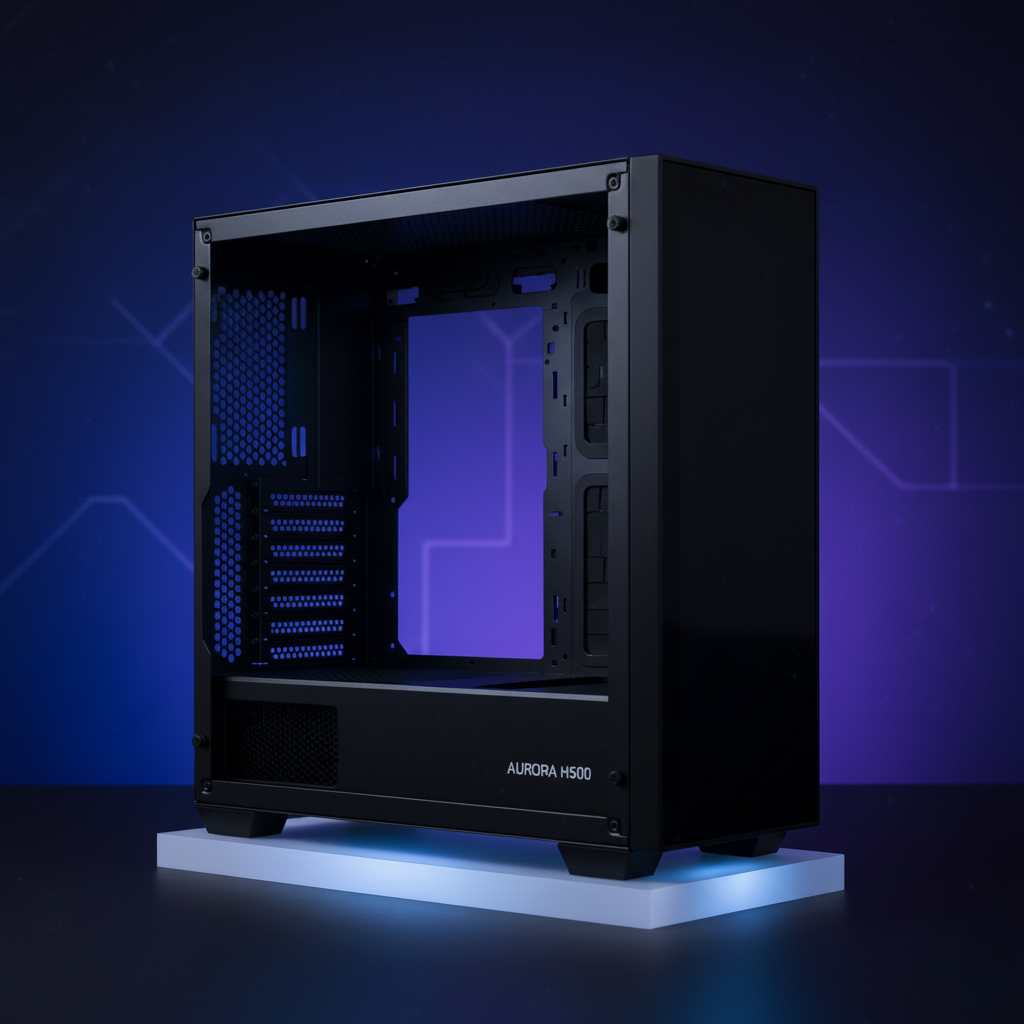
Why Case Selection Matters
A quality case improves:
Thermal performance – Better airflow keeps components cooler
Noise levels – Good design and insulation reduce fan noise
Building experience – Cable management features make assembly easier
Future upgrades – Proper space planning accommodates larger GPUs or coolers
Component longevity – Lower temperatures extend component lifespan
Aesthetics are entirely subjective focus on function first, looks second.
Critical Case Features
Airflow Design
Airflow directly impacts temperature and noise. Quality cases feature:
Mesh front panels (not solid plastic blocking air intake)
Multiple fan mounting locations
Proper air channel design guiding cooling through components
Sufficient clearance between components and case walls
Poor airflow forces fans to spin faster, creating noise and wasting efficiency. Prioritize mesh fronts and open designs over closed, solid-panel aesthetics.
Cable Management
Organized cables improve cooling (better airflow) and make troubleshooting simpler. Good cases include:
Rubber cable routing grommets
Ample space behind motherboard tray (4-6cm ideal)
Cable clips and velcro tie-down points
Dedicated routing channels
Cases designed for cable management let you build clean systems without constant frustration. This saves hours during assembly and future upgrades.
Space for Components
Verify dimensions for your specific components:
GPU Length – Modern GPUs can exceed 300mm. Measure your chosen card and confirm case accommodates it without blocking other slots.
CPU Cooler Height – Large air coolers can reach 160mm+. Ensure vertical clearance between cooler and case side panel.
Radiator Support – If planning liquid cooling, verify radiator mounting options (120mm, 240mm, 280mm, 360mm).
Drive Bays – Confirm adequate 3.5″ (HDD) and 2.5″ (SSD) mounting points.
Insufficient space creates build nightmares and forces component compromises.
Front Panel Connectivity
Check that cases provide:
USB 3.0 and USB 3.1 Gen 2 headers for modern motherboards
USB-C ports on front (increasingly common)
3.5mm audio jack connection
Power and reset buttons
Verify your motherboard includes required internal headers not all boards include USB-C headers, for example.
Fan Mounting Options
Quality cases support fans in multiple locations:
Front intake – Most common and important
Top exhaust – Hot air exits upward
Rear exhaust – Secondary exhaust path
Bottom intake – Less common, useful for specific designs
More mounting locations provide flexibility for optimizing airflow for your specific components.
Build Quality
Aluminum cases last longer than plastic and feel more premium. Steel cases are heavier but less expensive. Plastic-heavy designs are budget-oriented and prone to cracking.
Quality indicators:
Smooth edges (no sharp metal burrs)
Solid construction with minimal flexing
Proper cable routing organization
Dust filter quality and accessibility
Unfortunately, build quality is difficult to assess from photos. Professional reviews are essential trust them over specifications.
Tool-Less Mounting
Modern cases increasingly feature tool-less designs:
Thumb screws instead of hex bolts
Spring-loaded hard drive trays
Snap-fit connections for dust filters
These save time during assembly and future upgrades.
Noise Isolation
Premium cases include:
Acoustic foam dampening on side panels
Internal sound-dampening material
Vibration isolation feet
Drive mounting on vibration-isolating brackets
Noise isolation improves perceived quality but increases cost. Most mid-range cases handle noise adequately without it.
Dust Filters
Removable, cleanable filters prevent component contamination. Easily forgotten but important for long-term system health. Quality filters are reusable; some cheap cases require filter replacement.
Radiator Support
If planning any form of cooling beyond stock fans, verify radiator mounting:
120mm radiators – Single fan size, compact, limited cooling capacity
240mm radiators – Two-fan size, most common, balances cooling and space
280mm radiators – Uncommon middle ground
360mm radiators – Three-fan size, maximum cooling, requires substantial space
Confirm which positions support which sizes top mounting often differs from front mounting.
Case Form Factors
Full Tower (22-27 inches height)
Maximum size and expandability.
Supports E-ATX, ATX, Micro-ATX, and Mini-ITX motherboards
6-13 drive bays
7-10 expansion slots
Extensive fan mounting options
Liquid cooling friendly
Best for: High-end builds, custom water cooling, multiple storage devices
Drawback: Requires significant desk space and can feel excessive for modest builds.
Mid Tower (17-22 inches height)
The practical standard for most builds.
Supports ATX, Micro-ATX, and Mini-ITX motherboards
4-8 drive bays
7-8 expansion slots
Good fan mounting options
Adequate for most cooling solutions
Best for: Gaming builds, content creation systems, general purpose PCs
Mid-tower offers optimal balance between capacity, cooling potential, and space requirements. Recommended for most builders.
Mini Tower (12-18 inches height)
Compact size for space-constrained situations.
Supports Micro-ATX and Mini-ITX only
1-3 drive bays
Limited expansion slots (3-4)
Restricted fan mounting
Best for: Compact builds with modest components
Not recommended unless space is genuinely limited. Restrictions outweigh benefits for most use cases.